Real desktops for AI agents. Watch them work. Take over anytime.
Give each agent its own Linux computer with Chromium, a shell, and a disk that survives restarts. Drive it from the API, SDK, CLI, or MCP, and step in from the dashboard whenever it needs a hand.
In every computer
Chromium that stays signed in between runs
A shell and file transfers on the same disk
Screenshots and screen recordings on demand
Private preview links for apps it runs
Some work only happens on a screen. Now your agents can do it.
Signing in to dashboards, filling out forms, testing the app you just shipped, reading pages that have no API. A computer lets an agent see the screen and use it the way a person would.
01
Start a computer
Create one by name and it boots a Linux desktop with Chromium and a shell. Stop it when the job is done to free its resources. Files, installed tools, and browser sign-ins are waiting when it starts again.
See the computer lifecycle02
Hand it a task
Describe the job in plain language and a model works the desktop until it’s done. Every step is written down before it runs, so a crash never repeats an action, and a stopped task picks up on the same thread.
Read about tasks03
Take the wheel
Watch the screen live from any browser. When the agent hits a one-time code or needs a second opinion, take the mouse and keyboard, finish the step yourself, then resume the task where it left off.
How live control worksHowever your agent is built, it can drive a computer.
Agents reach the same computers through the HTTP API, the TypeScript SDK, the CLI, or the MCP server. People use the dashboard. Everything an agent does shows up there too.
import { makePromiseClient } from "@bezalel/computer-sdk"

const computer = makePromiseClient({
  baseUrl: process.env.COMPUTER_PUBLIC_URL!,
  apiKey: process.env.COMPUTER_API_TOKEN!
})

await computer.start("research")

const task = await computer.startTask("research", {
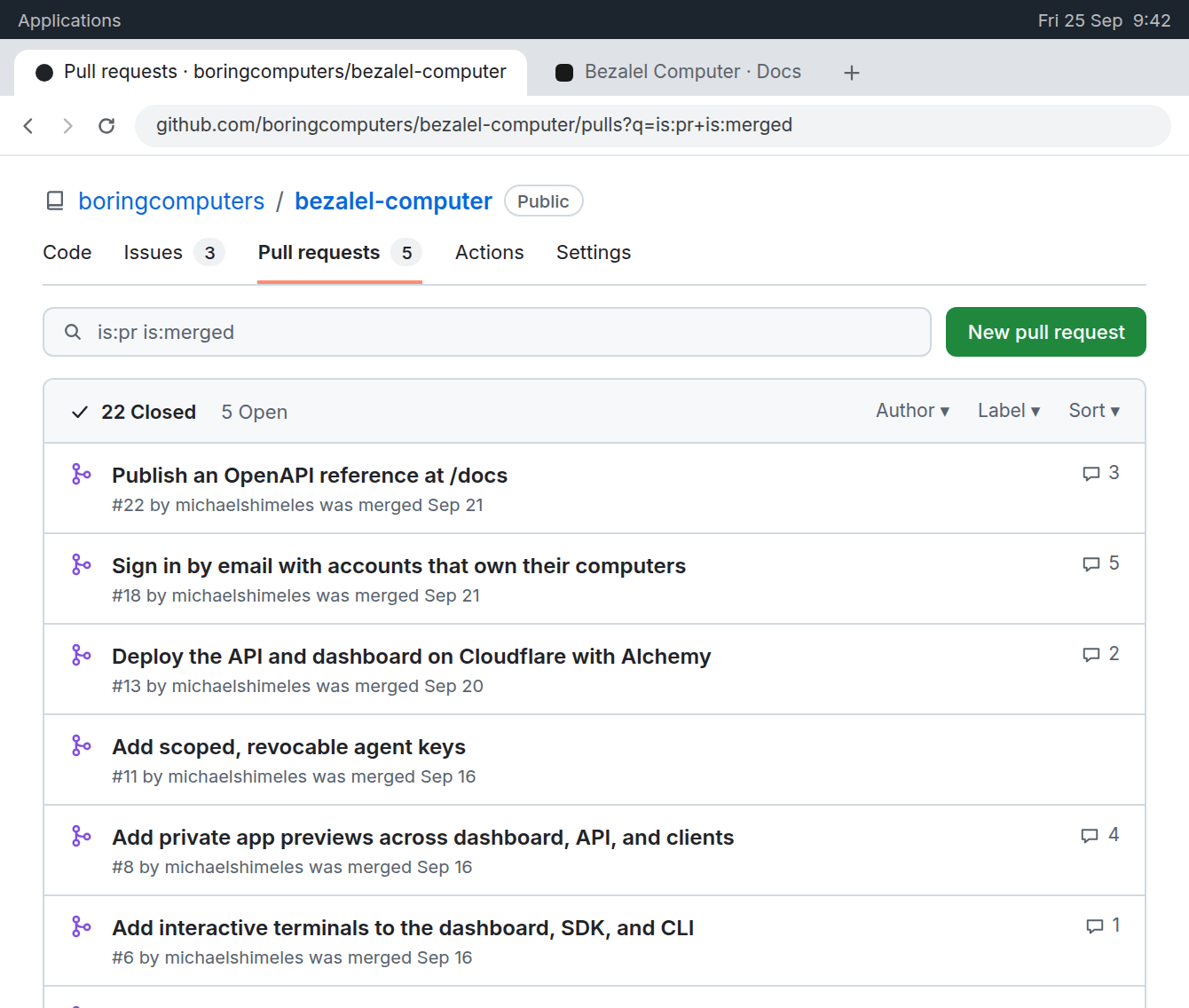
  instruction: "Summarize this week's merged pull requests"
})
const result = await computer.waitForTask("research", task.id, {
  timeoutMs: 300_000
})

await computer.stop("research") // the disk stays for next time
export COMPUTER_PUBLIC_URL=https://computer.example.com
# COMPUTER_API_TOKEN comes from your secret manager

bezalel-computer create research
bezalel-computer start research

bezalel-computer task start research \
  "Summarize this week's merged pull requests" --wait

bezalel-computer screenshot research --output ./pull-requests.png
bezalel-computer stop research # the disk stays for next time
{
  "mcpServers": {
    "bezalel-computer": {
      "command": "/usr/bin/node",
      "args": ["/srv/bezalel-computer/packages/computer-mcp/dist/main.js"],
      "env": {
        "COMPUTER_PUBLIC_URL": "https://computer.example.com",
        "COMPUTER_API_TOKEN": "<a scoped agent key>"
      }
    }
  }
}
curl -X POST "$COMPUTER_PUBLIC_URL/api/v1/computers" \
  -H "Authorization: Bearer $COMPUTER_API_TOKEN" \
  -H "Content-Type: application/json" -d '{"name": "research"}'

curl -X POST "$COMPUTER_PUBLIC_URL/api/v1/computers/research/start" \
  -H "Authorization: Bearer $COMPUTER_API_TOKEN"

curl -X POST "$COMPUTER_PUBLIC_URL/api/v1/computers/research/task" \
  -H "Authorization: Bearer $COMPUTER_API_TOKEN" \
  -H "Content-Type: application/json" \
  -d '{"instruction": "Summarize this week’s merged pull requests"}'
# 202 Accepted with the task ID. Poll the history for its result:

curl "$COMPUTER_PUBLIC_URL/api/v1/computers/research/tasks" \
  -H "Authorization: Bearer $COMPUTER_API_TOKEN"
Keys with a scope for every agent you run
- Each key reaches only the computers and permissions you pick: read, control, file uploads, or previews.
- Keys expire within 90 days, and you can revoke any one of them without touching the rest.
- Model keys and host credentials stay on the server. Browsers and agents never receive them.
- Task instructions and results are encrypted at rest.
- You sign in with a link or code sent to your email. There is no password to leak.